
Free Fire Max New Version For Android Mobile Users
Android 5.0+ for the listed APK version
All Versions
Approximately 407 MB
2 GB or more recommended as a practical baseline
Description
Free Fire Max New Version For Android Mobile Users is a popular mobile battle royale game that offers thrilling battles, improved graphics, and fast-paced action. It gives players an chance to enter a large field, collect weapons, fight enemies, and live until the end. Moreover, the game offers different modes, attractive characters, special items, and many ways to improve your gaming skills.
Many Android users search for Free Fire MAX APK because they want to install the game, learn about its latest version, or check whether their phones can run it. Therefore, this guide explains the main features, gameplay, installation process, system supplies, advantages, disadvantages, and other important details.
Garena launched globally on September 28, 2021. Since then, the game has attracted players who prefer a more detailed graphic experience. In addition, its Firelink technology allows players to use their existing Free Fire accounts and access shared gameplay features. Official announcement
However, players should appreciate that Free Fire MAX is not a distinct game with completely different gameplay. Instead, it offers an enhanced version of the original Free Fire experience. As a result, players can enjoy familiar battle royal action with improved visual effects and additional presentation features.
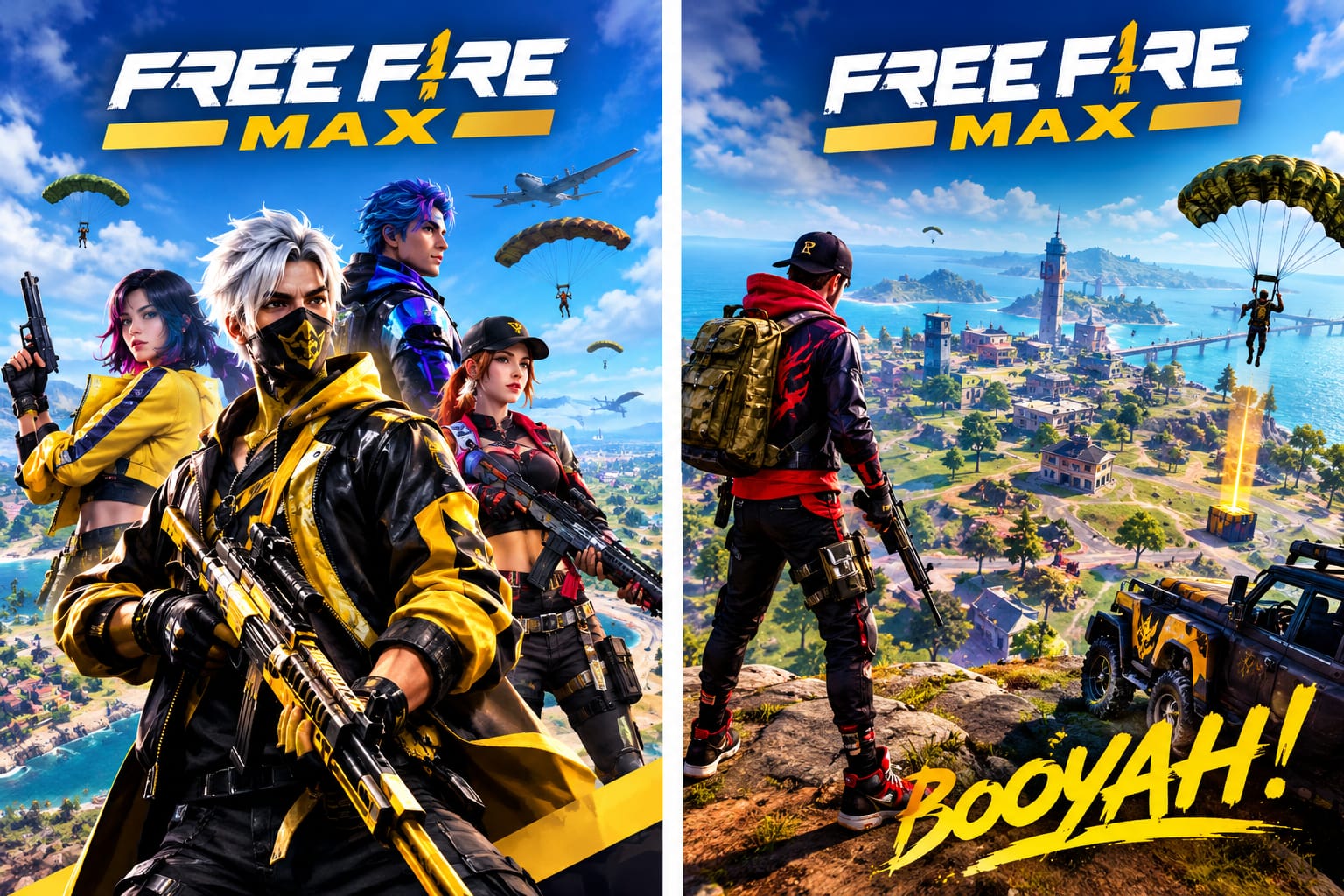
Free Fire MAX Game Information
Before downloading Free Fire MAX, check the following details to understand the game.
| Game Detail | Information |
| Game Name | Free Fire MAX |
| Developer and Publisher | Garena |
| Game Category | Action, Battle Royale, Shooter |
| Game Type | Online multiplayer |
| Initial Global Release | September 28, 2021 |
| Platform | Android and iOS, with supported PC options |
| Price | Free to download; optional in-game purchases |
| Main Keyphrase | Free Fire MAX |
| Android File Format | APK |
| Internet Connection | Required for online gameplay |
| Latest Version | Check the current official store listing |
| APK Size | Varies by version, device, and additional game resources |
| Latest Update Date | Check the current official listing |
| Game Modes | Battle Royale, Clash Squad, and other available modes |
| Official Developer Website | https://ff.garena.com/en/ |
Important: App versions, file sizes, update dates, and device compatibility can change. Therefore, check the official listing before printing exact version information. Google Play listed an update dated August 3, 2026, in the listing available during research. Google Play listing
What Is Free Fire MAX?
it is an online existence shooter that focuses on quick matches, tactical decisions, and competitive battles. Players enter a battlefield and search for weapons, equipment, medical supplies, and other useful items. Meanwhile, they must watch their settings because enemy players can attack from different directions.
The main objective in Battle Royale is simple: survive longer than your opponents. However, reaching that goal requires more than accurate shooting. Players must also choose good landing locations, manage their equipment, rise the safe zone, and move carefully across the map.
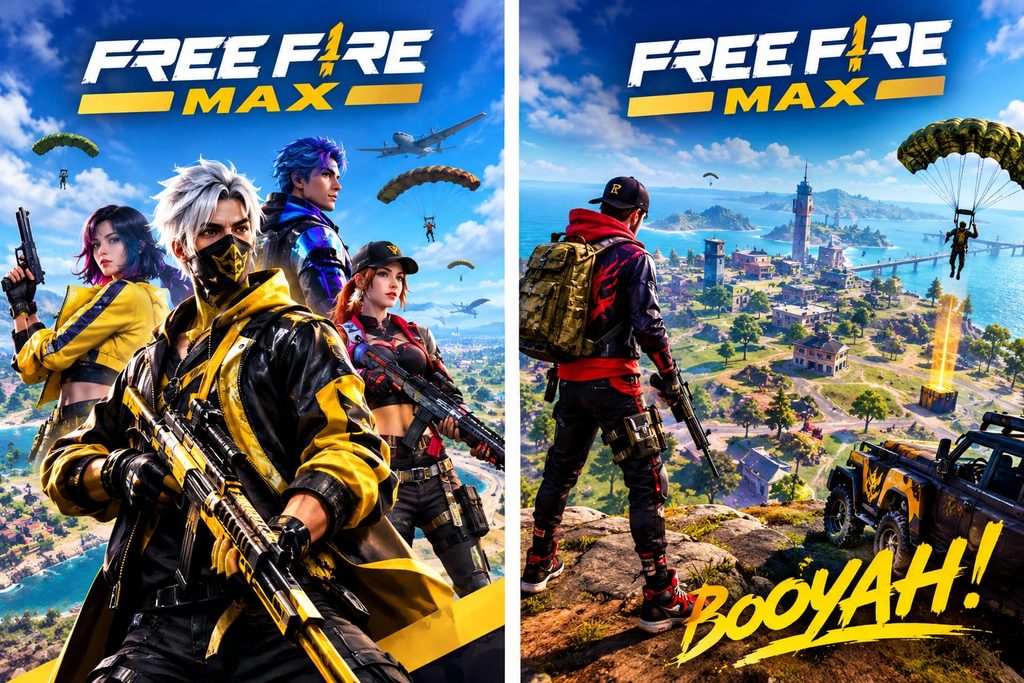
Furthermore, Free Fire MAX offers improved graphics, improved animations, and visual effects that create a more detailed gaming environment. For example, buildings, landscapes, character movements, and weapon animations help make the arena feel more immersive.
Another important feature is its connection with the original Free Fire game. Through Firelink technology, players can use their existing accounts and maintain account progress and eligible game items across both applications. In addition, players can join well-matched matches with users of either version. Garena support information
Therefore, Free Fire MAX suits players who enjoy fast multiplayer action and want a more visually full version of the Free Fire experience.
1. Improved Graphics and Visual Effects
One of the main reasons players choose Free Fire MAX is its improved visual quality. The game includes more detailed environments, improved effects, and smoother-looking character animations on well-matched devices.
Main Features of Free Fire MAX
For example, players can explore buildings, move through different sceneries, and watch detailed weapon animations during combat. In addition, the enhanced lobby gives players a more attractive place to view their characters and items.
However, better graphics can need more processing power and storage. Therefore, players with older phones may need to reduce the graphics settings to improve act.
2. Battle Royale Gameplay
Battle Royale is one of the main attractions of Free Fire MAX. Players enter a match, collect equipment, and fight against adversaries while the playable area becomes smaller.
At first, players should choose a landing location prudently. A busy location may provide better loot, but it can also create an immediate fight. On the other hand, a quieter area may offer more time to collect supplies and prepare for later battles.
As the match continues, players must move toward the safe zone. Otherwise, the shrinking play area can damage their characters. So, map awareness and timing become just as important as shooting skills.
3. Clash Squad Mode
Clash Group provides a faster and more tactical experience. This mode focuses on team battles, and players must work together to rout the opposing squad.
Unlike a traditional Battle Royale match, Clash Squad emphasizes short rounds and weapon choices. Players need to manage their available resources, select suitable weapons, and support their colleagues.
For example, one player can defend a position while another moves toward the enemy. Meanwhile, teammates can share information about opponent locations and plan their next attack.
As a result, communication and teamwork can make a significant difference in this mode.
4. Firelink Technology
Firelink is an important feature of Free Fire MAX because it connects the experience with the original Free Fire game.
Players can use their current Free Fire accounts to sign in to Free Fire MAX. Moreover, the system synchronizes account progress and eligible game items across both applications.
This feature helps players move between the two versions without starting a completely new account. In addition, compatible cross-play allows friends to enjoy shared gameplay even when they use different versions.
Yet, players should always use the correct account details and official login methods to protect their progress.
5. Craftland and Custom Maps
Free Fire MAX has offered Craftland, a feature that lets players create and explore custom maps. It provides an opportunity to design different environments by placing objects, structures, and decorations.
For example, creators can build interesting layouts for friends and design new challenges. In addition, they can share their maps so other players can discover and play them, subject to the available features and game rules.
Custom maps can also provide a change from normal matches. Therefore, players who enjoy creativity may find this feature particularly interesting.
6. Characters and Special Abilities
Characters add another layer of strategy to Free Fire MAX. Different characters can offer abilities that support particular play styles, depending on the current game balance and available character selection.
Some abilities may help players move, defend, recover, or support their teams. Consequently, choosing a character that matches your favored strategy can improve your overall experience.
However, players should not expect one character to win every match. Good positioning, practice, teamwork, and practical decisions remain important throughout the game.
7. Weapons and Equipment
Free Fire MAX offers different weapons and equipment for different combat states. Players can find guns, close-range weapons, protective items, and supplies during matches.
For example, a player may prefer a rifle for medium-range battle. Meanwhile, another player may choose a close-range weapon when entering buildings.
Players should also learn weapon recoil, reload timing, and effective distance. Also, they should collect useful supplies without carrying unnecessary items when better equipment becomes available.
The best weapon choice depends on the player’s skill, the battlefield, and the distance between opponents.
8. Customizable Controls
Free Fire MAX provides control settings that players can adjust to suit their favorites. These settings can affect drive, aiming, firing, and other actions.
For example, players may move the buttons to positions that feel more comfortable on their screens. In addition, they can practice different compassion settings to improve their aim.
However, changing every setting at once can make it difficult to identify what works best. Therefore, adjust one or two settings, test them in training, and keep the changes that improve your control.
9. Multiplayer Team Play
Cooperation is another important part of Free Fire MAX. Players can coordinate with friends, communicate during matches, and support one another when enemies attack.
For instance, teammates can share information about nearby opponents and choose a safe route together. Moreover, they can divide responsibilities so that each player donates to the team’s plan.
Good teamwork does not need every player to use the same weapon. In its place, each player can select equipment that supports the team’s overall strategy.
10. Events and Rewards
Garena regularly uses events and informs to keep the game interesting. Liable on the current schedule, players may find themed activities, collaborations, missions, and special rewards.
These events can encourage players to explore different parts of the game. In addition, they may provide opportunities to earn qualified rewards by completing tasks.
However, event dates and reward conditions can change. Therefore, check the in-game event page or official announcements before relying on a particular offer.
Free Fire MAX Gameplay Guide for Beginners
New players may find the first few matches stimulating. Nevertheless, they can improve by learning the basic controls and making sensible decisions.
Step 1: Learn the Controls
Start by learning how to move, aim, shoot, jump, crouch, and use equipment. Furthermore, practise swapping weapons and refilling before incoming difficult matches.
Training helps you become familiar with the control plan. As a result, you can react more quickly when an enemy appears.
Step 2: Choose a Landing Location
At the beginning of a Battle Royale match, study the map and select a appropriate landing location.
If you are new to the game, avoid packed areas until you understand the battle system. Instead, land anywhere that provides enough time to collect weapons and provisions.
However, do not remain in one location for too long. You should continue checking the safe zone and plan your next move.
Step 3: Collect Useful Equipment
After landing, search nearby structures and other available loot areas. Collect weapons, ammunition, medical supplies, and protective equipment.
At first, focus on obtaining a reliable weapon and sufficient supplies to survive early meetings. Later, replace weaker equipment when you find something more useful.
Moreover, listen for nearby combat sounds because they may reveal enemy activity.
Step 4: Watch the Safe Zone
The safe zone plays a major role in Battle Royale matches. As the playable area therapists, players must move toward the remaining safe area.
Therefore, check the map regularly and avoid waiting until the final moment to move. Early movement can give you more time to select a safe route and prepare for enemy meetings.
Step 5: Improve Your Aim
Aiming takes practice. Start with simple targets in training mode and learn how different weapons behave.
Moreover, practise controlling recoil and following moving opponents. Rather than firing continuously at long distances, use controlled shots when appropriate.
You should also adjust your sensitivity settings gradually. Over time, reliable practice can help you develop better correctness.
Step 6: Use Cover
Open spaces can expose you to opponent attacks. Therefore, use walls, rocks, buildings, and other available objects for defense.
Before journey an open area, check your surroundings and consider possible enemy positions. In addition, avoid standup still for too long when opponents can see you.
Step 7: Work With Your Team
When playing with friends, share information about enemy locations and useful supplies. Furthermore, agree on a plan before rushing into a fight.
If a colleague needs support, help when it is safe to do so. However, do not enter a unsafe area without checking the situation first.
Step 8: Learn From Every Match
You will not win every match, particularly when you are learning. Nevertheless, each game can teach you something useful.
After a defeat, think about your decisions.
By identifying these mistakes, you can develop better ways and improve your future performance.
Free Fire MAX APK Download for Android
Many users search for Free Fire MAX APK download because they want to install the game on an Android phone. Before downloading any file, however, check the official availability and choose a reliable source.
How to Download Free Fire MAX
- Open the official Free Fire MAX Google Play listing.
- Check whether the app is available in your country.
- Review the current compatibility information and listing details.
- Tap the install option if your device supports the game.
- Wait for the installation to finish.
- Open the game and follow the instructions on the screen.
- Download any additional game resources requested by the official application.
This method reduces the risk of installing a adapted or dangerous file. In addition, the official store can provide supported updates when they become available for your device and region.
How to Install Free Fire MAX Using an APK File
Some users prefer APK installation when the official store does not offer a suitable installation option. However, an APK file should come from a genuine and trusted source.
Follow these general steps only when you have verified the file’s authenticity:
- Download the APK from a source you trust.
- Check the file information and make sure it matches the intended application.
- Review the requested permissions and scan the file with reputable security software.
- Open your Android settings and allow installation from that source only if necessary.
- Open the downloaded file and follow the installation prods.
- Turn off the special installation permission afterward.
- Launch the application and follow its official setup instructions.
Android settings vary by manufacturer and operating system version. Therefore, the exact menu names may differ between phones.
Important safety advice: Avoid modified APKs that promise unlimited diamonds, free premium items, or unfair advantages. Such files may contain malware, steal account details, or cause account restrictions. Never share your password or verification codes with unofficial download websites.
Free Fire MAX Android Requirements
Your phone’s hardware can affect how well Free Fire MAX runs. So, you should check the requirements before downloading the game.
Garena’s published technical guidance for Free Fire MAX lists the following minimum and recommended Android specifications in one regional support document. Requirements may change, so verify them with current official guidance. Garena technical requirements
| Requirement | Minimum | Recommended |
| Android Version | Android 4.4 | Android 7 or newer |
| Processor | Dual-core 1.2 GHz | Octa-core 2.0 GHz |
| RAM | 2 GB | 4 GB |
| Free Storage | 2.5 GB or more | 4 GB or more |
| Internet | Required | Stable connection recommended |
These figures serve as a general reference, not a guarantee that every device will run the latest release. In particular, available storage needs can increase after updates and additional resource downloads.
Can Free Fire MAX Run on Low-End Phones?
Some low-end phones may run the game, but performance be contingent on the hardware, operating system, and current game version.
If your phone experiences lag, try closing background applications and freeing up storage. In addition, lower the graphics quality and disable demanding graphic options when the game offers those controls.
You should also keep your phone’s software updated when the manufacturer supports it. However, avoid unofficial performance tools that request unnecessary permissions or promise unrealistic results.
How Much Storage Does Free Fire MAX Need?
The APK file does not always represent the complete space requirement. After installation, the game may download extra resources, maps, and updates.
Therefore, keep more free space than the initial download size suggests. If storage becomes limited, remove idle files or applications before installing the game.
Free Fire MAX Graphics and Performance Settings
The correct settings can make gameplay more relaxed. However, the best shape depends on your device.
Graphics Quality
Higher graphics settings can recover visual details. Nevertheless, they may increase the load on your processor and graphics hardware.
If your phone heats up or drops frames, try a lower visuals setting. This adjustment may help the game run more easily during intense battles.
Frame Rate
A higher frame rate can make movement appear smoother on supported devices. However, not every phone can maintain a high frame rate throughout a match.
Choose a stable setting rather than selecting the highest option automatically. As a result, you may experience more consistent movement and aiming.
Sensitivity Settings
Sensitivity affects how quickly the camera and aim respond to your finger actions. A setting that works well for one player may feel uncomfortable to another.
Therefore, begin with a comfortable shape and practise before making major changes. In addition, test your settings with different weapons so that you understand how they affect your aim.
Internet Connection
Because Free Fire MAX focuses on online multiplayer gameplay, connection quality matters. A weak or unstable network can cause delays, sudden movement, and interrupted matches.
Whenever possible, use a reliable Wi-Fi connection or a stable mobile data network. Also, avoid large downloads while playing because they can compete for available bandwidth.
Free Fire MAX vs Free Fire
Free Fire MAX and the original Free Fire share the same core battle royale experience. However, they differ in presentation and graphic detail.
| Feature | Free Fire MAX | Free Fire |
| Graphics | Enhanced visual presentation | Designed for a broader range of devices |
| Animations | Improved visual effects and animations | Standard presentation |
| Account Progress | Syncs through Firelink | Syncs through Firelink |
| Gameplay | Shared core gameplay | Shared core gameplay |
| Device Demand | Generally higher | Generally lower |
| Custom Content | Includes MAX-focused features such as Craftland | Supports compatible shared gameplay features |
The best choice depends on your priorities. If you prefer enhanced graphics and your phone has enough power, Free Fire MAX may suit you. On the other hand, the original game may be a better option when your device has limited memory or processing power.
Importantly, players must check current regional availability and compatibility before choosing either version.
Advantages of Free Fire MAX
Free Fire MAX offers several benefits for mobile gaming fans.
First, enhanced graphics can make the battlefield more visually full. In addition, improved cartoons and effects create a more immersive experience.
Second, the game offers fast-paced matches that suit players who prefer action without committing to very long sessions. Also, different modes provide variety and encourage players to practise different skills.
Third, Firelink helps players maintain compatible account progress between Free Fire and Free Fire MAX. As a result, switching applications does not necessarily mean losing access to previously got progress.
Fourth, customizable controls allow players to create a more contented layout. Meanwhile, characters and equipment add strategic choices to each match.
Finally, multiplayer features let friends work together, share information, and compete as a team.
Disadvantages of Free Fire MAX
Despite its benefits, Free Fire MAX also has some limitations.
First, its improved graphics can demand more resources than the original game. Consequently, older devices may experience lag, overheating, or slower performance.
Second, the game requires an internet connection for online matches. So, players cannot expect the full multiplayer experience without network access.
Third, updates and additional downloads can consume storage and mobile data. In addition, larger updates may take time to download when the connection is slow.
Fourth, online competition can feel difficult for beginners. Experienced players may have better aim, stronger map knowledge, and more effective strategies.
Finally, optional in-game purchases may tempt players to spend money on cosmetic items and other offers. Therefore, set a budget and avoid spending money you cannot afford.
Is Free Fire MAX Free to Play?
Yes. Free Fire MAX is free to download from supported official stores. However, the game may offer optional purchases, including in-game currency and cosmetic items.
Players can enjoy the core battle royale experience without assuming that every paid item is necessary. In addition, the value of an optional purchase depends on personal preference.
Before buying anything, review the price, payment details, and purchase conditions. If children use the device, parents should also review purchase controls and account settings.
Tips to Improve in Free Fire MAX
Players can improve their performance through regular practice and careful decisions.
Choose your battles wisely. Do not fight every enemy you see. Instead, consider your equipment, health, position, and available cover before attractive.
Learn the maps. Understanding buildings, open areas, and routes can help you move more safely. Moreover, map knowledge makes it easier to predict where enemies may appear.
Use headphones responsibly. Game audio can help you classify nearby activity. However, keep the volume at a safe level and remain aware of your environs.
Practise regularly. Short, focused practice sessions can improve aiming, movement, and weapon control. In addition, review your mistakes instead of reiterating the same strategy in every match.
Communicate clearly. When playing in a squad, share useful information and avoid confusing your teammates with unnecessary messages.
Protect your account. Use official login methods and keep your account details private. Never trust strangers who promise free premium currency in exchange for passwords or verification codes.
Maintain a healthy gaming routine. Take regular breaks, drink water, and avoid playing for so long that gaming interferes with sleep, study, work, or other responsibilities.
Common Free Fire MAX Problems and Solutions
Free Fire MAX Is Not Installing
First, check whether your phone meets the game’s requirements. Next, settle that you have enough storage and a stable connection.
If the official store shows an incompatibility message, your device or region may not support the current release. Therefore, do not try to bypass security checks with unknown installation files.
Free Fire MAX Keeps Crashing
Close unused applications and restart your phone. In addition, check for supported game and operating system updates.
If the problem continues, lower the graphics settings and check the available storage. You can also consult official support for advice specific to your device.
Free Fire MAX Has High Ping
High ring often relates to network conditions or the distance to the game server. Try a more stable connection and avoid downloading large files during a match.
However, changing settings cannot fix every network problem. If the issue continues, check whether your internet provider or the game’s official service channels report a problem.
The Game Runs Slowly
Reduce graphics quality, close background applications, and make certain your phone has enough free storing.
Also, allow the device to cool down if it becomes very hot. Excessive heat can affect performance, so avoid playing while the phone is overheating.
Account Login Problems
Check your login way and make sure you use the correct linked account. If you forget your credentials, follow the recovery process offered by the pertinent official service.
Never give account information to a third-party website that claims it can recover accounts instantly.
Free Fire MAX for PC
Although Free Fire MAX is a mobile game, some players prefer playing on a computer. Liable on the current supported options, players may use compatible PC access means.
Before choosing an emulator or another method, verify that it supports the game and follows the game’s rules. Moreover, download software only from its official source.
A computer can offer a larger display and different control options. However, performance depends on the computer’s hardware, software compatibility, and network connection.
Players should also remember that using a keyboard and mouse can change the way the game feels compared with touch controls.
Is Free Fire MAX Safe to Download?
The safest starting point is the official Google Play listing or another official distribution channel provided by Garena for your region.
Official sources help you receive legitimate updates and reduce the risk of installing modified applications. In contrast, unknown APK websites may distribute files that contain unwanted software or harmful code.
Before installing an APK, review its source, permissions, and legitimacy. Additionally, avoid applications that appeal access to personal information without a clear reason.
Do not install a modified version just because it promises unlimited diamonds, unlocked paid content, or automatic wins. These rights can put your device and account at risk.
Why Do Players Search for Free Fire MAX APK?
Players search for Free Fire MAX APK for several reasons. Some want to install the game on an Android device, while others want to learn about new updates, compatibility, and installation problems.
Meanwhile, some users want to compare Free Fire MAX with the original game before deciding which version to play.
A useful APK guide must answer these questions clearly. Therefore, readers should find precise game information, supported download options, system requirements, safety advice, and troubleshooting steps in one place.
If you publish a Free Fire MAX article on a gaming website, provide useful original explanations rather than copying the official store description. In addition, inform the version information when Garena releases new details.
Frequently Asked Questions About Free Fire MAX
1. What Is Free Fire MAX?
Free Fire MAX is an enhanced version of Garena’s Free Fire battle royale game. It offers improved graphics, animations, and other visual features while retaining the core gameplay.
2. When Did Free Fire MAX Launch?
Garena launched Free Fire MAX globally on September 28, 2021. The game has received updates since its initial release.
3. Is Free Fire MAX Available for Android?
Yes. Free Fire MAX has an Android version, although obtainability and compatibility can depend on your country and device. Check the official Google Play listing for the latest information.
4. Is Free Fire MAX Free to Download?
Yes. The game is free to download in reinforced regions. However, optional in-game purchases may cost money.
5. Can I Play Free Fire MAX Without the Internet?
No. Free Fire MAX relies on an internet connection for its main online multiplayer experience. Therefore, you need a suitable connection to contribute in online matches.
6. Can I Use My Original Free Fire Account?
Yes. Firelink supports account access and synchronization between Free Fire and Free Fire MAX. Use the correct linked account to access well-matched progress and items.
7. Does Free Fire MAX Have Better Graphics?
Yes. Free Fire MAX offers enhanced graphics, visual effects, and animations. However, the quality and smoothness you experience depend on your device’s hardware and settings.
8. What Is the Size of Free Fire MAX APK?
The APK size can change with the version and distribution source. Furthermore, the full installation may require extra storage for downloaded game resources. Check the official listing and leave additional free space on your device.
9. What Is the Latest Version of Free Fire MAX?
The latest version changes when Garena releases updates. Check the official store listing or Garena’s official announcements instead of trusting on an old version number.
10. Can Low-End Android Phones Run Free Fire MAX?
Some lower-powered phones may run the game, but presentation varies. Check the minimum requirements, reduce graphics settings if necessary, and make sure you have enough storage.
11. Is It Safe to Download Free Fire MAX APK From Third-Party Websites?
Not every third-party APK is safe. Unknown files may contain malware or modified code. Therefore, prefer official sources and avoid files that promise cheats, unlimited currency, or other suspicious benefits.
12. Is Free Fire MAX Different From Free Fire?
Both games share core gameplay and compatible account structures. However, Free Fire MAX focuses on improved visual quality and additional presentation features, so it may require more powerful hardware.
13. Can Friends Using Different Versions Play Together?
Firelink supports compatible shared gameplay between Free Fire and Free Fire MAX. However, the exact availability of features can depend on current game rules and updates.
14. Does Free Fire MAX Offer Custom Maps?
Free Fire MAX has offered Craftland, which allows players to create and share custom maps. Check the current game for available creation tools and structures.
15. How Can I Reduce Lag in Free Fire MAX?
Close background applications, lower graphics class, free up storage, and use a stable internet connection. If your phone becomes hot, let it cool down before continuing.
16. Can I Play Free Fire MAX on a Computer?
Some supported PC methods may allow access to the game. Verify compatibility and follow Garena’s current rules before using an emulator or another method.
17. Does Free Fire MAX Require a Powerful Phone?
A more powerful phone generally provides a smoother experience at higher settings. Nevertheless, minimum supplies and actual performance vary, so check current official leadership before installing the game.
18. How Do I Update Free Fire MAX?
Open the official store where you installed the game and check for an available update. If an update appears, follow the store’s orders and ensure that your device has sufficient free storage.
Conclusion
Free Fire Max New Version For Android Mobile Users offers an exciting mobile battle royal experience with enhanced graphics, fast-paced combat, multiple game modes, and team-based gameplay. In addition, Firelink makes it easier for players to use their existing Free Fire accounts across well-matched versions.
The game can suit players who enjoy modest shooting, character abilities, weapon selection, and short action-packed matches. However, players should check their phone’s supplies, maintain a stable internet connection, and manage storage before installing it.
For the safest experience, download Free Fire MAX through an official source whenever possible. If you choose to use an APK, verify its authenticity and evade modified files that promise unfair compensations.
Finally, recall that practice and good decisions matter more than any single weapon or character. Learn the maps, improve your aim, support your teammates, and adapt your strategy as each match develops. With endurance and regular repetition, you can enjoy Free Fire MAX while developing stronger gaming skills.
Download links
How to install Free Fire Max New Version For Android Mobile Users APK?
1. Tap the downloaded Free Fire Max New Version For Android Mobile Users APK file.
2. Touch install.
3. Follow the steps on the screen.